CS:GO / CS2 vs Web-Based CS: High-End Engine vs Zero-Install Instant Play
Comparing Valve’s flagship tactical esports title Counter-Strike 2 with CS Browser: hardware requirements, macOS abandonment, launching friction, and mechanical fidelity for modern players.
 CSBrowser Team
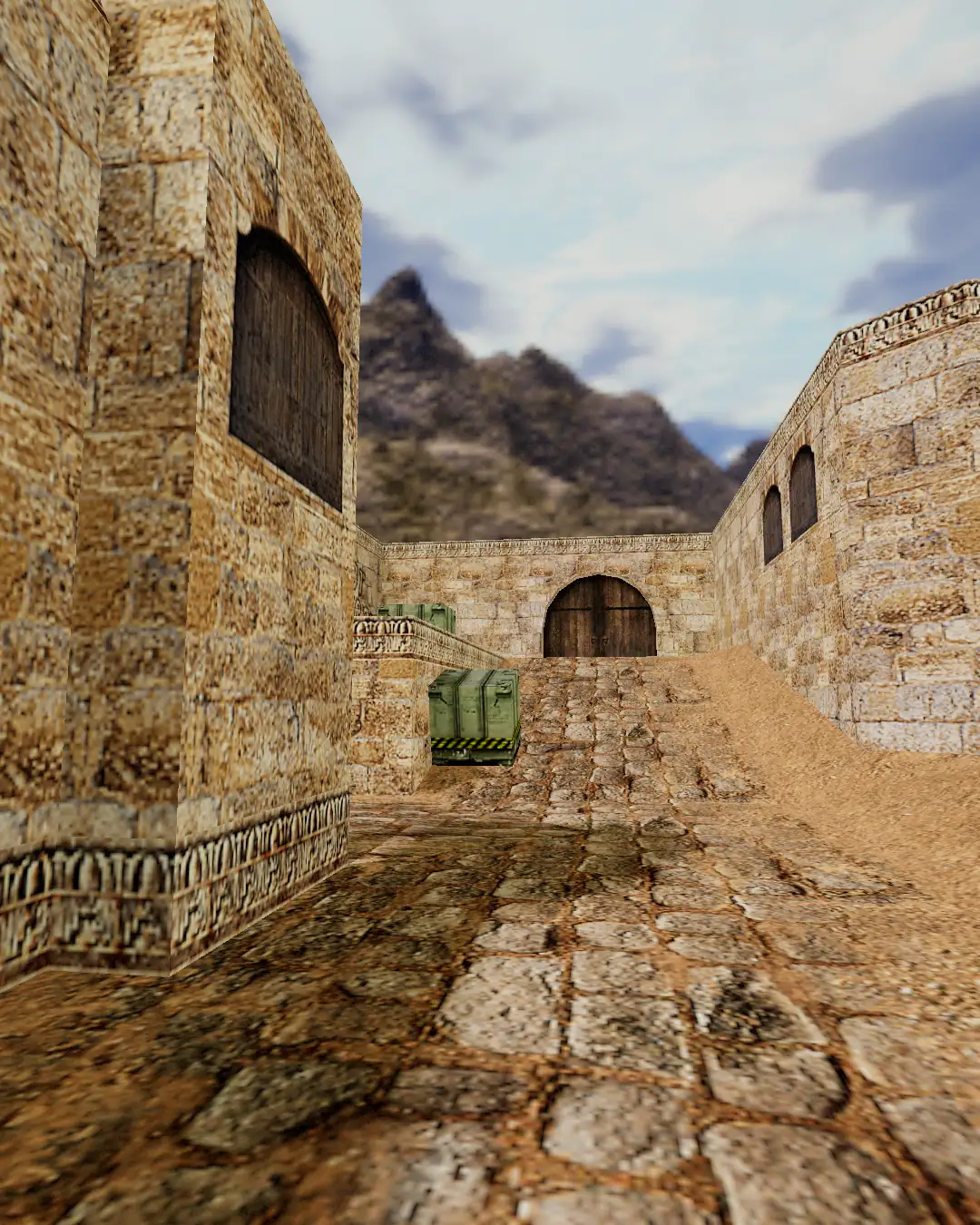
There is no questioning the supremacy of Counter-Strike: Global Offensive and its modern successor Counter-Strike 2 (CS2) in the realm of competitive tactical esports. Powered by Valve’s Source 2 engine, CS2 sets the industry benchmark for dynamic volumetric smoke grenades, physically based rendering, and high-stakes premier matchmaking.
Yet along with cutting-edge fidelity comes unprecedented real-world friction: 40GB+ installation footprints, climbing GPU requirements, and most critically, Valve permanently dropping native macOS support.
At the same time, CS Browser (Web-based Counter-Strike) has surged in popularity among players seeking instant, zero-install tactical gunplay. How does a browser-based shooter measure up against a multi-gigabyte esports titan? Can a web application truly deliver authentic tactical recoil and crosshair placement? Here is a realistic, side-by-side comparison.
1. System Requirements & The macOS Situation
| Dimension | Steam CS2 Client | CS Browser (Web Edition) | | :------------------------ | :------------------------------------------------------- | :------------------------------------------------------------------------- | | Disk Storage | 85 GB available storage (Steam official requirement) | 0 MB (Streamed on-demand in browser) | | GPU Requirements | DirectX 11 GPU (Shader Model 5.0, 1 GB VRAM minimum) | Runs smoothly on integrated Intel/AMD graphics & M-series chips | | macOS Support | Completely Discontinued (No native Mac build in CS2) | Flawless Native Support (Runs directly in Safari or Chrome on any Mac) | | Install & Permissions | Steam client, background VAC anti-cheat | Runs safely in standard web browser sandbox without admin rights |
The Mac Gaming Reality
With the release of CS2, Valve officially sunset native macOS support, citing the small percentage of Mac players. This left millions of gamers with MacBooks, Mac minis, and iMacs stranded without an easy way to play Counter-Strike natively on Apple Silicon.
CS Browser completely eliminates this barrier. Operating on open web standards including WebGL, CS Browser requires no OS-specific DirectX runtimes or translation wrappers. Open Safari or Chrome on a MacBook Air or MacBook Pro, and you get smooth, responsive browser-native gunplay with minimal battery drain.
2. Launch Friction: 40-Minute Sessions vs 15-Minute Breaks
In modern busy schedules, game startup friction often dictates whether a match happens at all.
[Launching CS2 on Steam]
Boot PC -> Launch Steam -> Download periodic 2GB patch -> Load anti-cheat -> Wait in Premier queue (3-5 mins) -> 40-minute commitment

[Launching CS Browser]
Open browser tab -> Type URL -> Streamed assets settle -> In match
- Competitive Immersion: CS2 shines when you have dedicated evening gaming blocks with your full esports setup, noise-canceling headset, and time to commit to a multi-round competitive match.
- Micro-Sessions & Office Breaks: CS Browser is purpose-built for the rhythm of daily life. Jump in for two fast rounds during lunch, while waiting for a software build to compile, or during a short study break—and close the tab the second duty calls with zero penalty.
3. Tactical Integrity: How Authentic Does It Feel?
Gamers unfamiliar with modern web games often wonder: Does a browser game compromise on the authentic Counter-Strike feel?
The core tactical mechanics are meticulously preserved:
- Crosshair Placement & Pre-Aiming: Headshot alignment at classic Dust 2 corners—such as peeking long A or watching mid doors—translates seamlessly. Your crosshair placement instincts from CS:GO apply directly.
- Counter-Strafing: The golden rule of Counter-Strike remains unbent. Firing on the move produces high bullet dispersion; tapping the opposite directional key immediately stabilizes your recoil and restores first-shot laser accuracy.
- Round Mindset & Angles: Slicing the pie around corners, holding site crossfires, and baiting out enemy utility follow the exact tactical logic that made Counter-Strike the gold standard of FPS design.
4. Comprehensive Breakdown Matrix
| Comparison Area | CS2 Client | CS Browser | | :---------------------- | :---------------------------------------------------------------- | :-------------------------------------------------------- | | Visual Presentation | Photorealistic lighting, dynamic volumetric smoke | Clean, high-contrast classic aesthetic | | Skin Economy | Massive Steam Marketplace with financial speculation | Focused entirely on gunplay; zero skin anxiety | | Hardware Strain | High GPU thermals and fan noise | Ultra-low power consumption and cool operation | | Party Invites | Requires mutual Steam friends and identical client versions | Send one web link to a chat; friends join in one click | | Empty Player Slots | Incomplete lobbies wait or suffer severe disconnect disadvantages | Dynamic Bot backfill maintains team balance automatically | | Playable On | Windows & SteamOS / Linux gaming PCs (macOS unsupported) | Any modern browser on Mac, PC, Linux, Chromebook |
5. Complementary Roles: Why Players Love Both
Savvy gamers don't have to choose one over the other. CS2 and CS Browser complement each other seamlessly:
- Weekend Ranked Grinds: Power on your high-refresh gaming desktop, fire up CS2 on Steam, and compete in grueling Premier competitive ladders.
- Daily Commutes, Work Laptops & Mac Gaming: Open CS Browser when nostalgia hits, when you are traveling with a laptop, or when you want to shoot a few rounds with coworkers who don't have dedicated gaming rigs.
Summary
Engines and graphics will continue to evolve, but the primal thrill of competitive Counter-Strike never changes: holding an angle with quiet confidence, anticipating the peek, and clicking a clean headshot.
Whether on a championship stage or in a modest browser tab during lunch, the essence of the game lives on.
Fire up full screen and take your position!